Independent 4RABET login reference covering email and phone access labels, password recovery, phishing checks and account-security precautions.
Interface context
Login Interface Overview
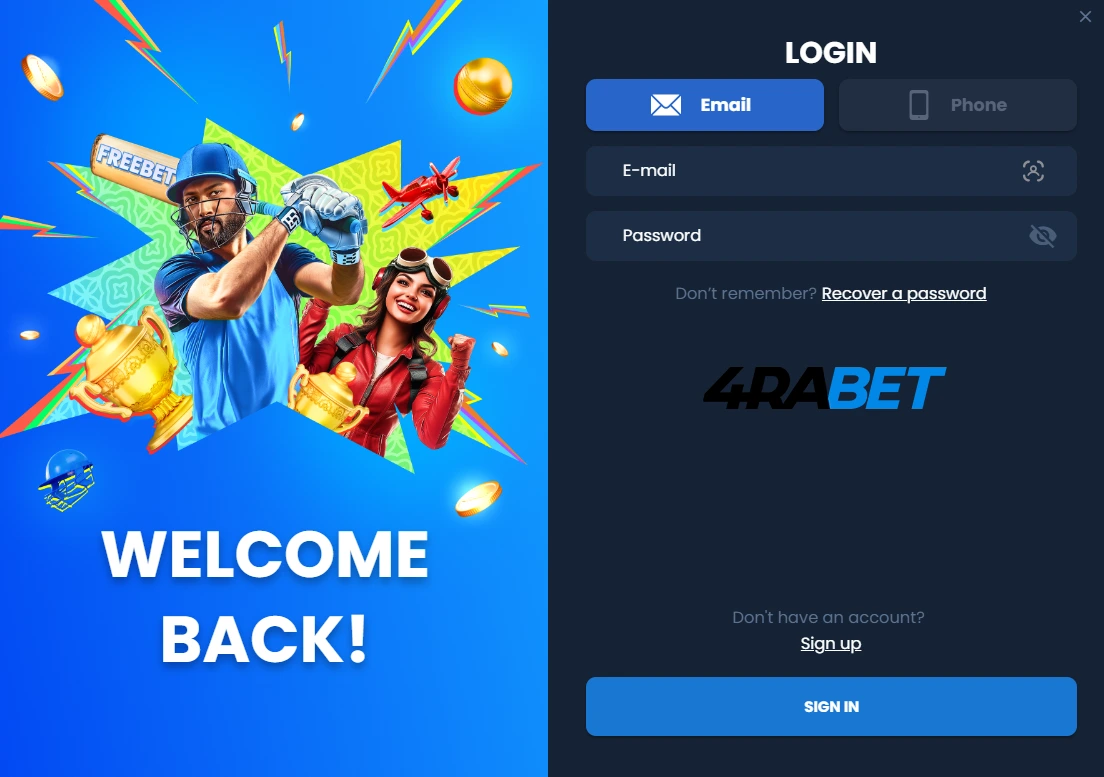
Public 4RABET login material has shown email, phone and account-identifier labels near a password field and recovery text. Those elements help readers recognise the type of interface being discussed. They do not prove that an unfamiliar page is safe, current or connected to an operator account.
The login moment deserves stricter checking than ordinary browsing. A copied screen can look familiar, use HTTPS and still collect credentials for a different party. Confirm the hostname first, then decide whether any external page should receive account information.
Login elements discussed in public 4RABET interface references.
Documented Login Elements
Login-interface elements in public 4RABET material
Element
Status
Reading note
Email tab
Observed
May appear as one route for account identification.
Phone tab
Observed
Often shown alongside a country-code or phone entry pattern.
Account ID
Reported
Wording can vary between public screenshots and guides.
Password field
Observed
A high-risk field that should only be used on a verified external source.
Password recovery
Observed
Recovery links require sender-domain and hostname checks.
Five checks
Five Credential Checks
Confirm the exact hostname
Check spelling, domain ending and redirects before typing anything.
Avoid unknown links
Do not use account links sent by unknown chat accounts or group posts.
Use a unique password
Never reuse banking, email, wallet or government-service passwords.
Protect OTP and recovery codes
A legitimate support route should not ask you to disclose one-time codes.
Reject screen-sharing and remote-control requests
Do not expose account, wallet or email screens to another person.
Password managers can help because they usually refuse to autofill on a different hostname. If autofill behaves unexpectedly, stop and review the saved entry before continuing elsewhere.
Recovery route
Password-Recovery Safety Flow
Recovery should begin only from a verified source. Check the visible hostname, inspect any email or SMS sender domain, create a new password that is not used elsewhere and end older sessions when that option is available. A reset process should not require a fee, wallet seed phrase, bank login or remote access to the device.
The same checks apply when a recovery message arrives unexpectedly. A real-looking reset link can still be dangerous if it points through a shortener, opens a different domain or asks for more information than the new password process requires.
Account-recovery safety checks from source verification to ending older sessions.
Troubleshooting Matrix
Safer responses to common account-access issues
Issue
Possible cause
Safer response
Wrong-password message
Typing error, old password or wrong domain.
Recheck the source and use a verified recovery route only.
OTP not received
Network delay, number issue or account review.
Do not ask unofficial agents to receive or forward codes.
Account locked
Security review, KYC mismatch or suspicious activity.
Use a verified support channel, not a private-message contact.
Page keeps refreshing
Browser cache, blocked scripts or unstable connection.
Clear site data and retry only from a trusted network.
Unknown login or withdrawal
Possible account compromise.
Change the password from a verified source and document the incident.
What This Website Never Requests
This website never requests or stores passwords, OTPs, recovery codes, account IDs, identity documents, payment card numbers, bank-login details, cryptocurrency seed phrases or remote device access. Messages claiming that 4rabet.xin can unlock an account, process a withdrawal or verify a payment are false.
Use the homepage overview for broad context, then check the registration, games and payments pages for more specific interface notes. The editorial mailbox is for factual corrections, not account support, and it should not receive account screenshots with private details.